Image Source: X
The PUBG Mobile 4.5 update is now available worldwide, bringing one of the biggest collaborations in the game's history. The latest version introduces the exciting Naruto Shippuden themed mode, allowing players to explore the Hidden Leaf Village, use legendary ninja abilities like Rasengan, Chidori, and Shadow Clone Jutsu, along with new Metro Royale content and an exclusive Ferrari collaboration.
If you're wondering how to download and install the PUBG Mobile 4.5 update safely, here's a complete step-by-step guide for Android and iPhone users.
PUBG Mobile 4.5 Update Release Date
The PUBG Mobile 4.5 update started rolling out on July 8, 2026, and became available globally on July 9, 2026, at 11:00 UTC. Depending on your region, the update may appear slightly later on the Google Play Store or Apple App Store.
How to Download PUBG Mobile 4.5 Update on Android (Google Play Store)
The easiest and safest way to update PUBG Mobile is through the Google Play Store.
Follow these steps:
- Open the Google Play Store on your Android smartphone.
- Search for PUBG Mobile.
- Open the official PUBG Mobile game page.
- Tap the Update button.
- Wait for the download to complete.
- Launch the game.
- Download the additional in-game resources if prompted.
Once the resources are installed, you can start enjoying the new Naruto-themed content.
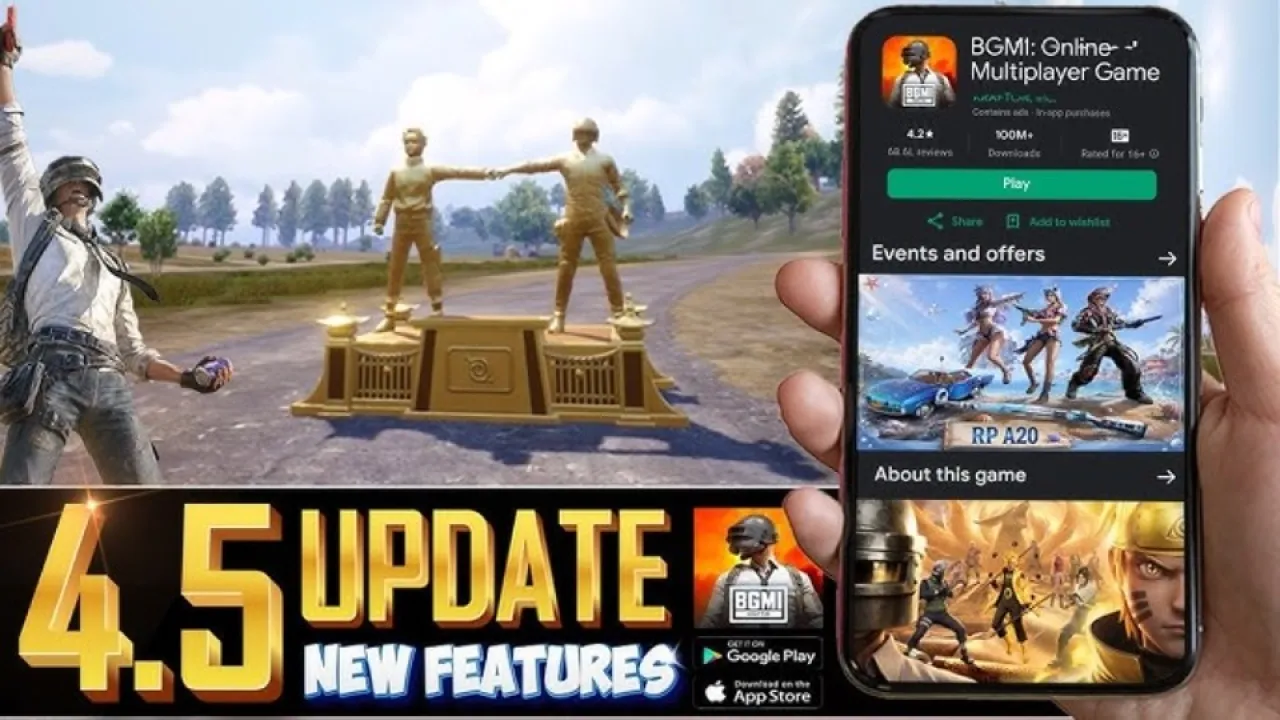
Image Source: X
How to Download PUBG Mobile 4.5 Update on iPhone (App Store)
iPhone and iPad users can install the latest version through the Apple App Store.
Steps to update:
- Open the App Store.
- Search for PUBG Mobile.
- Select the official game.
- Tap Update.
- Wait for the installation to finish.
- Open the game.
- Download the required in-game resource pack.
After the installation is complete, you're ready to experience all the new features.
How to Download PUBG Mobile 4.5 Update APK from the Official Website
If the update has not yet appeared on your Play Store, you can install the APK directly from the official PUBG Mobile website.
Step-by-step guide:
Step 1: Visit the Official Website
Open your preferred browser and visit the official PUBG Mobile website.
Step 2: Download the APK
Locate the APK Download option and download the latest PUBG Mobile 4.5 APK file.
Step 3: Find the Downloaded File
After downloading, open your phone's File Manager or Downloads folder.
Step 4: Enable Unknown Sources
If prompted, allow your device to install apps from Unknown Sources. This permission is required only for manual APK installation.
Step 5: Install the APK
Tap the downloaded APK file and complete the installation process.
Step 6: Download Additional Resources
Launch PUBG Mobile after installation. The game will automatically download the latest maps, modes, and resource files.
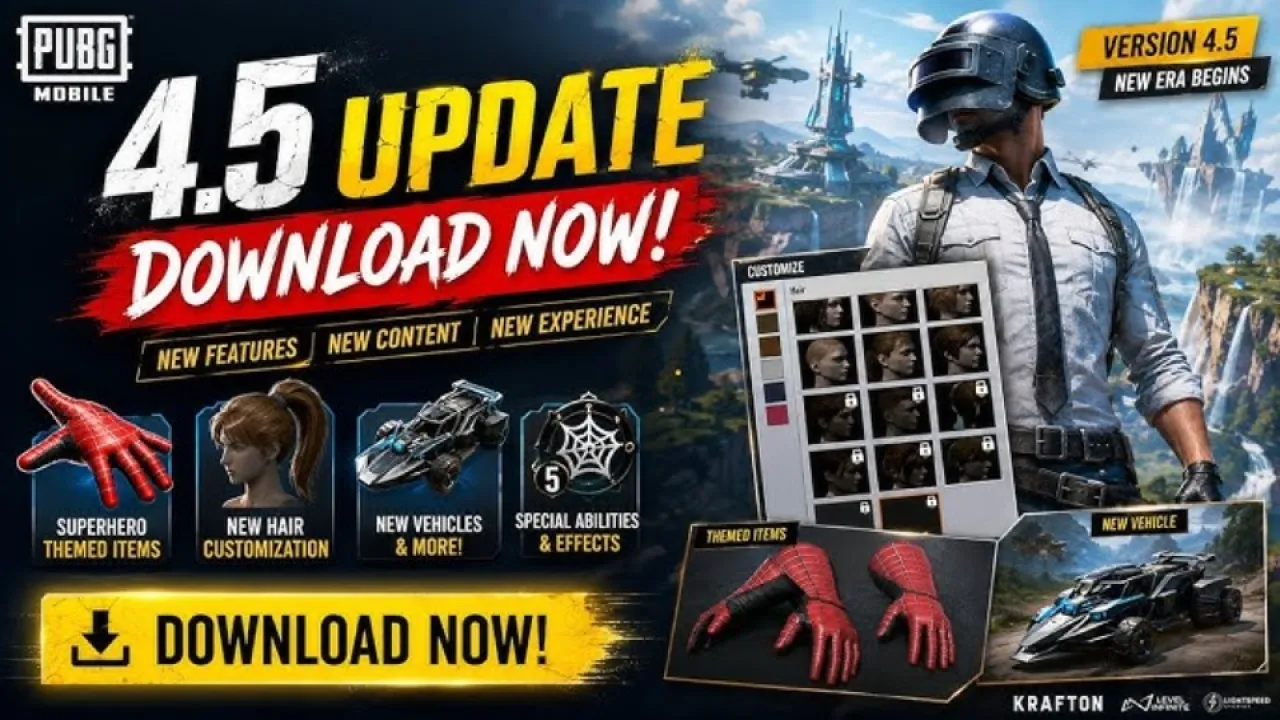
Image Source: X
What's New in PUBG Mobile 4.5 Update?
The latest version brings plenty of exciting content, including:
- Naruto Shippuden themed mode
- Hidden Leaf Village location
- Rasengan, Chidori, and Shadow Clone abilities
- New Metro Royale gameplay additions
- Ferrari collaboration with exclusive vehicles
- New events, rewards, cosmetics, and gameplay improvements
- Performance optimizations and bug fixes
Important Tips Before Updating
- Ensure you have a stable Wi-Fi connection.
- Keep at least 3-5 GB of free storage available.
- Download the APK only from the official PUBG Mobile website to avoid security risks.
- Log in using your existing account to keep your progress and inventory safe.
Final Words
The PUBG Mobile 4.5 update delivers one of the most exciting updates the game has seen in recent months. Whether you update through the Google Play Store, Apple App Store, or the official APK download, make sure you install the latest version to enjoy the Naruto Shippuden collaboration, new Metro Royale features, Ferrari-themed content, and various gameplay improvements.
Update your game today and jump into the battleground with brand-new ninja powers and exclusive rewards.
Also Read: BGMI 4.5 Update Release Date (Expected): Naruto Mode, Spider-Man & New Features