Image Source: X
Getting an “Account Suspended” message in Free Fire can be very upsetting. Many players spend a lot of time and money on the game. Losing access means losing ranks, skins, and progress. Garena has strict rules against cheating, but sometimes accounts are banned by mistake. If this happens to you, you can contact Free Fire Customer Support to request a review.
How to Contact Free Fire Customer Service
The only official way to appeal a ban is through the Garena Free Fire Help Center. Do not trust websites or apps that promise to unban your account. They are usually fake and can steal your data.
Follow these steps:
- Visit the Free Fire Help Center
Go to the official Free Fire support website. - Log In
Sign in using the same account linked to your game (Facebook, Google, VK, etc.). - Submit a Request
Click on your profile name and select “Submit a Request.” - Fill the Form
- Choose your region
- Select “Ban Appeal”
- Enter your Player ID and in-game name
In the message box, explain your problem honestly. If you used a VPN for better connection or had a game booster app running, mention it. Sometimes these apps can cause a false ban.
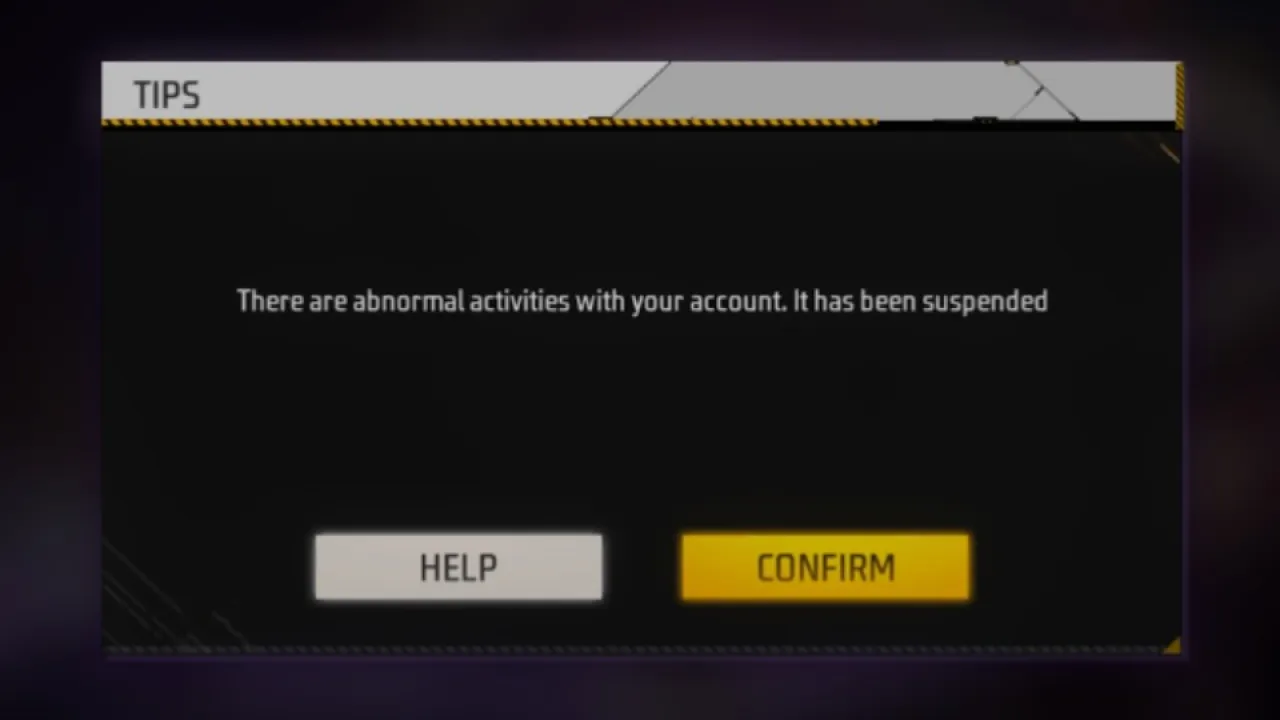
Image Source: X
If Your Account Was Hacked
If you think someone else logged into your account and used cheats, tell the support team. Garena can check login activity and may understand that the cheating was not done by you.
Add Proper Details and Proof
Do not send a short message like “Please unban me.” A clear message helps more. Try to include:
- Your Player ID and game name
- The date when the account was banned
- Screenshots or Diamond purchase receipts (if available)
- These details show that you are the real owner of the account.
Wait for the Response
After sending the request, wait patiently. It may take a few days for Garena to reply. Sending many requests can slow down the process.
Also Read: BGMI A17 Royale Pass Leaks: Mythic Outfits, Weapon & Vehicle Skins